Simulate Server Disconnections
WebSocket applications need to react when the server disconnects. For example, if the user loses network connection, we often want the UI to reconnect to the server when they come back online.
You can use Socket Inspector to simulate a server disconnection, making it easy to validate reconnection logic, error handling, and other disconnection scenarios.
Instructions
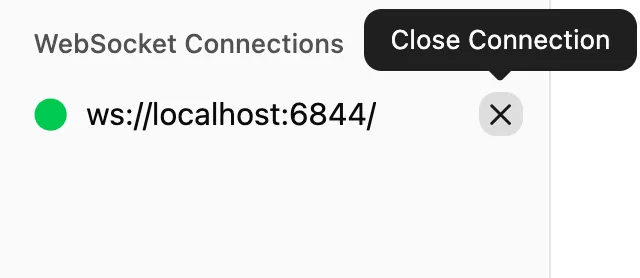
In the WebSocket Connections sidebar, click the X icon next to the connection you want to close:
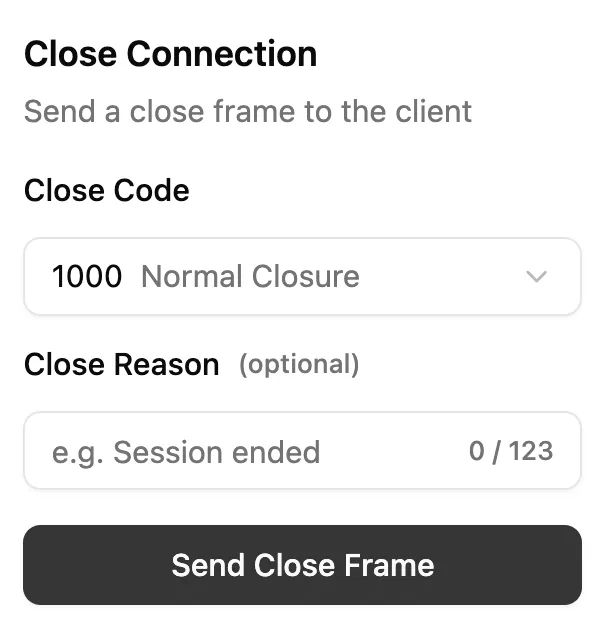
In the Close Connection popup, select a WebSocket Close Code and optionally enter a Close Reason:
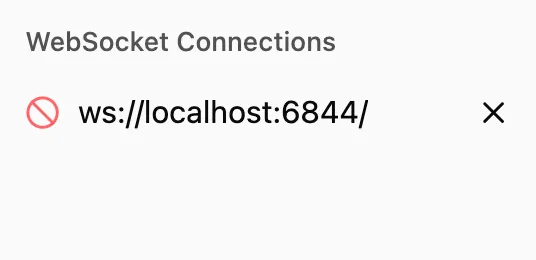
Click the Send Close Frame button and Socket Inspector will close the connection:
How It Works
When you click the Send Close Frame button, Socket Inspector sends a close event to the connection’s WebSocket instance. This will trigger any close handlers attached to the instance:
socket.onclose = (event) => {
  // code and reason are the values
  // entered in the popup
  const { code, reason } = event;
}